HowTo: Update your T-Beam with the latest version of SoftRF
Install SoftRF via Stratux CLI
To add the latest firmware of SoftRF on your T-Beam you can use the Stratux cli to add the firmware. However, before you do this you need to configure Stratux to connect to your local LAN using wifi, or you can use a ethernet cable to connect Stratux to the internet. Look for the documentation on b3nn0/stratux/wiki for the information, for WIFI it’s the settings as follows

After that you can login into stratux as described here: SSH-into-Stratux
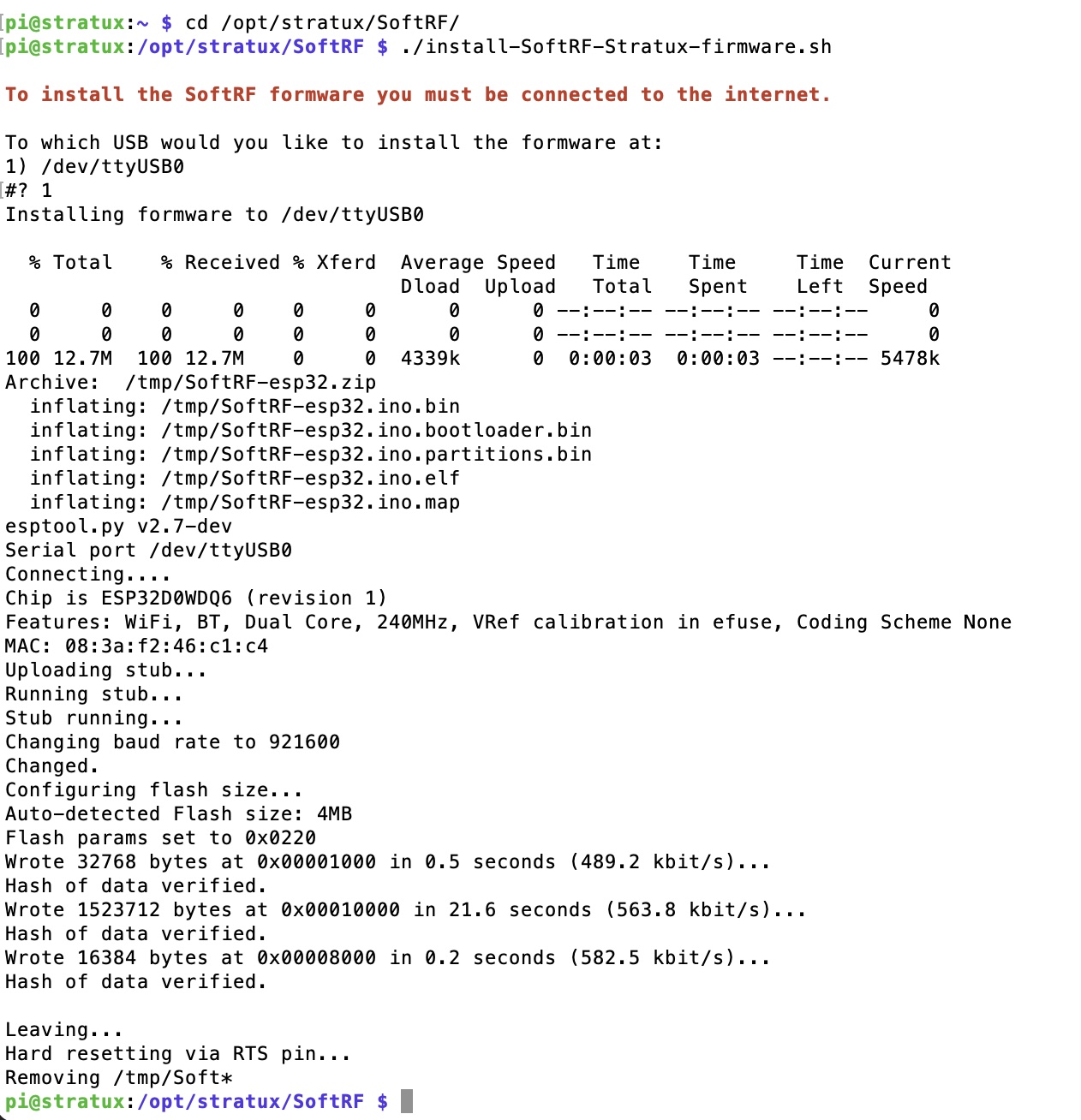
Go to the directory cd /opt/stratux/SoftRF/ and execute ./install-SoftRF-Stratux-firmware.sh,
follow the questions and the script will download the latest version of SoftRF for Stratux and install it on your T-Beam.
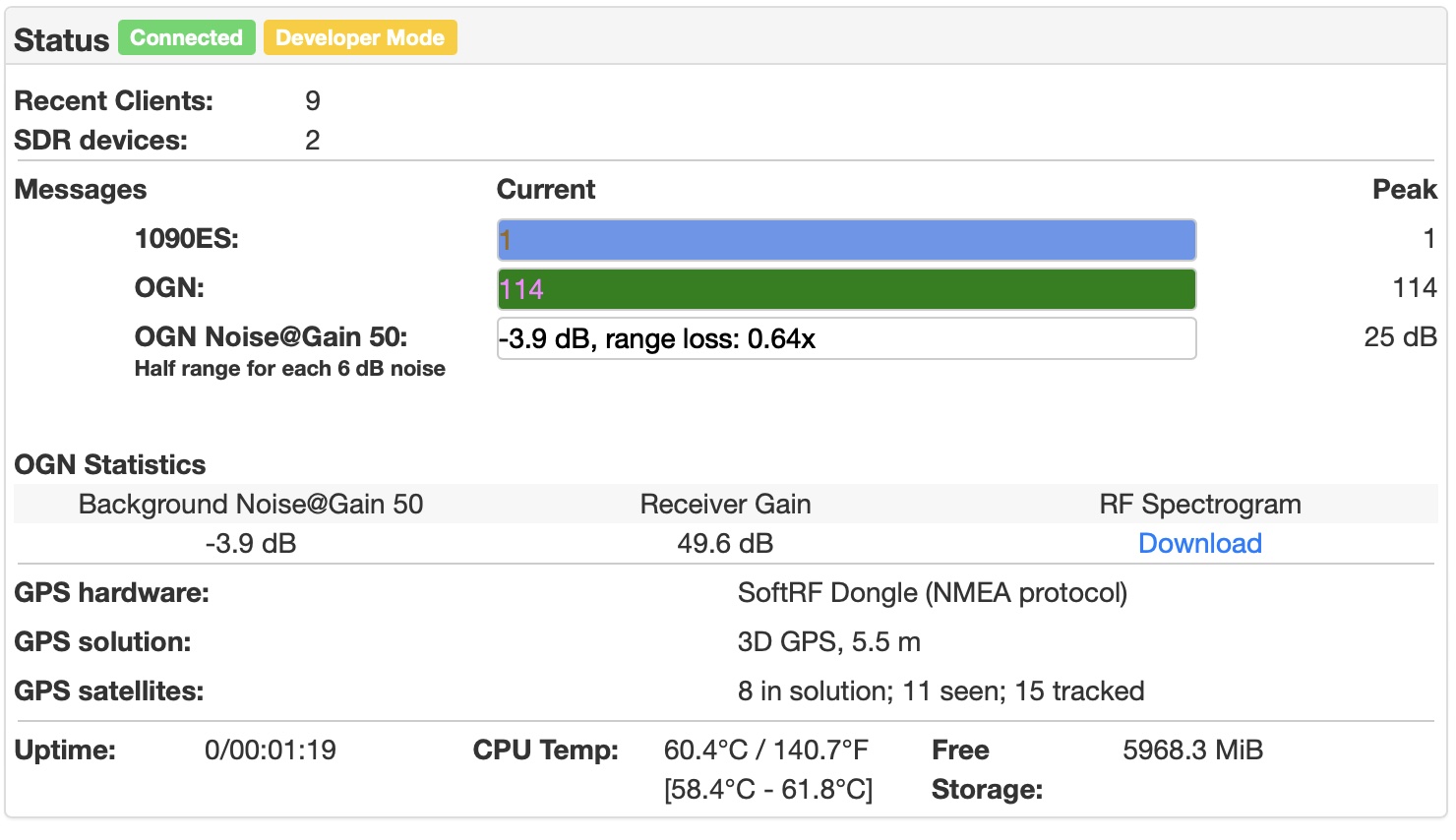
On the status screen of Stratux Initially the hardware is going to show up as USB Serial IN (NMEA protocol) but after a few minutes it will
be discovered as a SoftRF-Dongle.
Note: The SoftRF version for stratux is the same as the version of Linar with some additions for stratux but it will behave exactly the same as before.
- For explanation of all the settings go here: SoftRF/wiki/Settings
- For any questions you can find us here : gitter.im/SoftRF-open/community